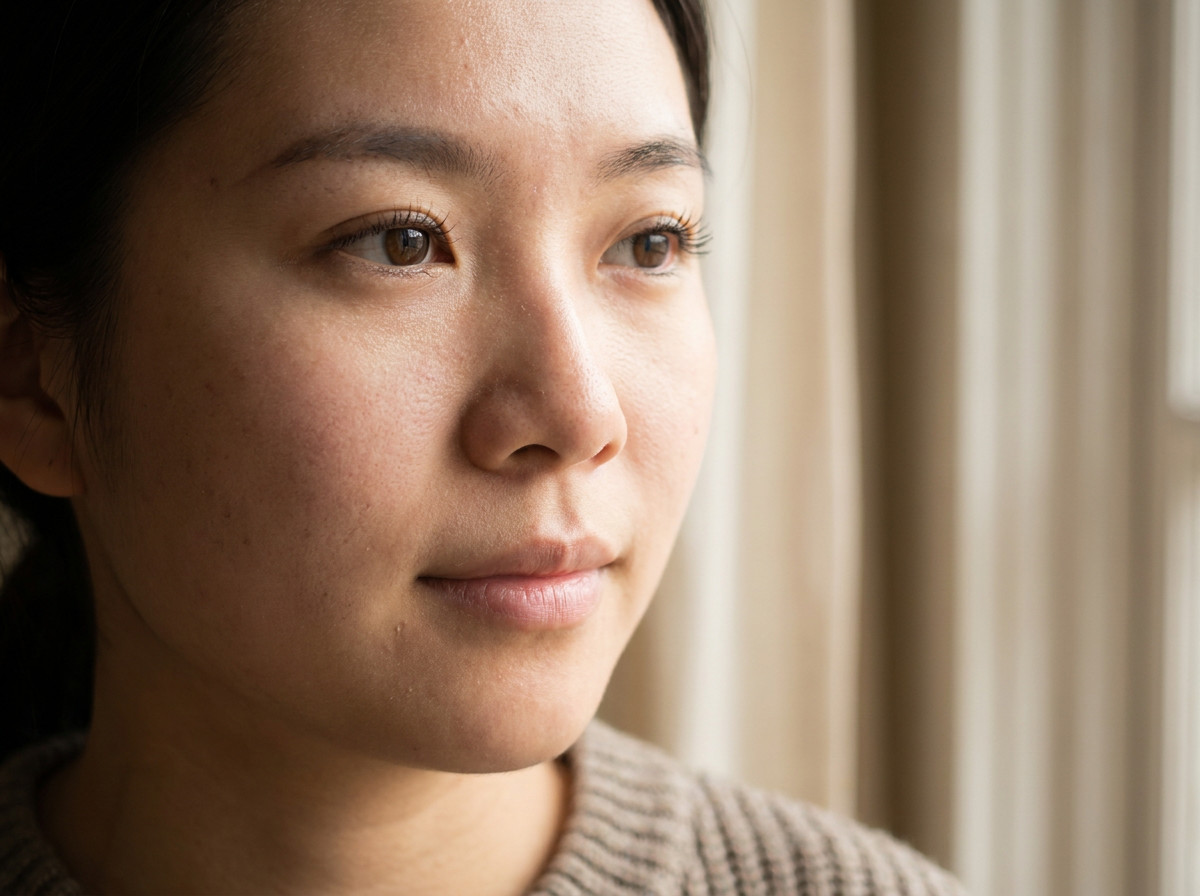
Before
AI Image Enhancement
Sharpen detail and correct color and exposure for clearer photos.
Improve clarity, detail, and overall photo quality with a simple AI-powered workflow.
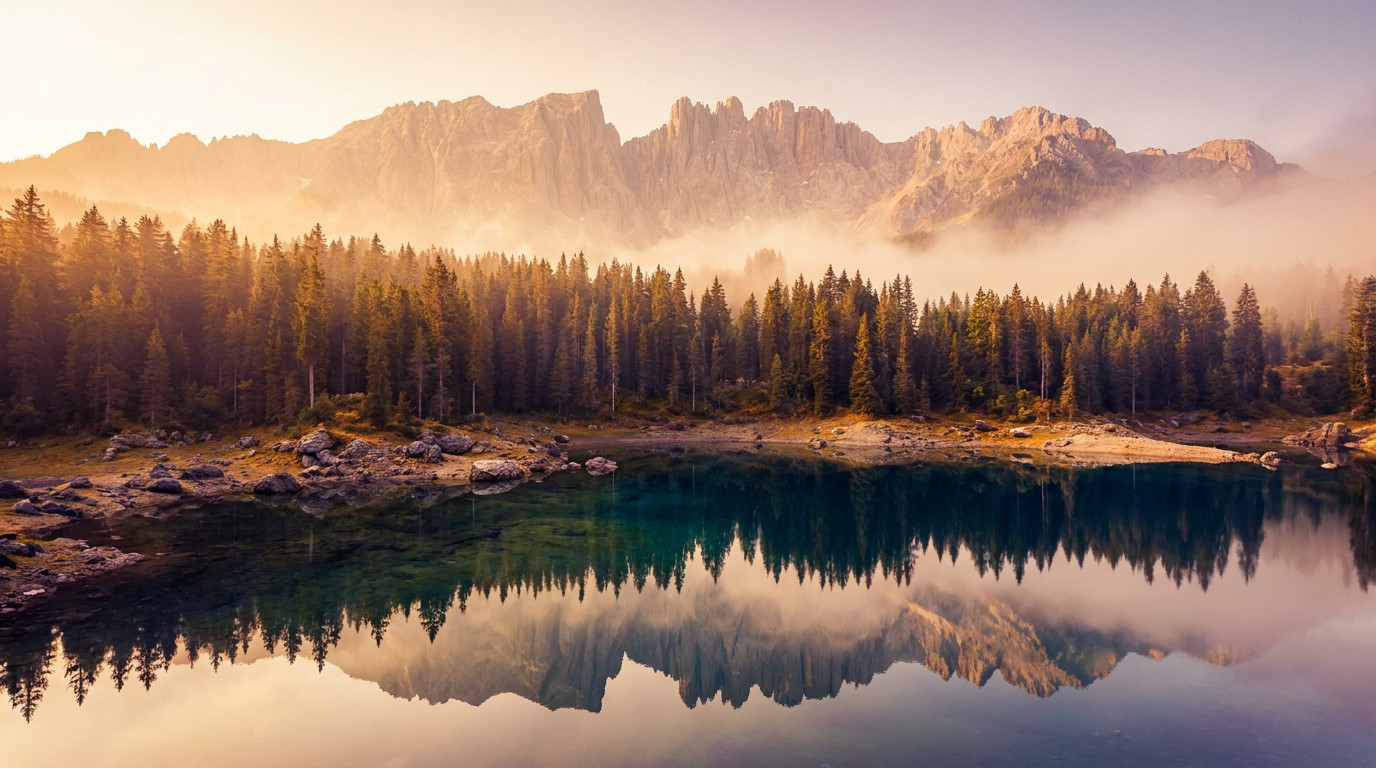 Before
Loading available models…
Start with the browser-based enhancer and explore focused workflows as they become available. No download or registration is required to try the first edit.
Sharpen detail and correct color and exposure for clearer photos.
Upscale to 4K with AI-reconstructed detail instead of stretched pixels.
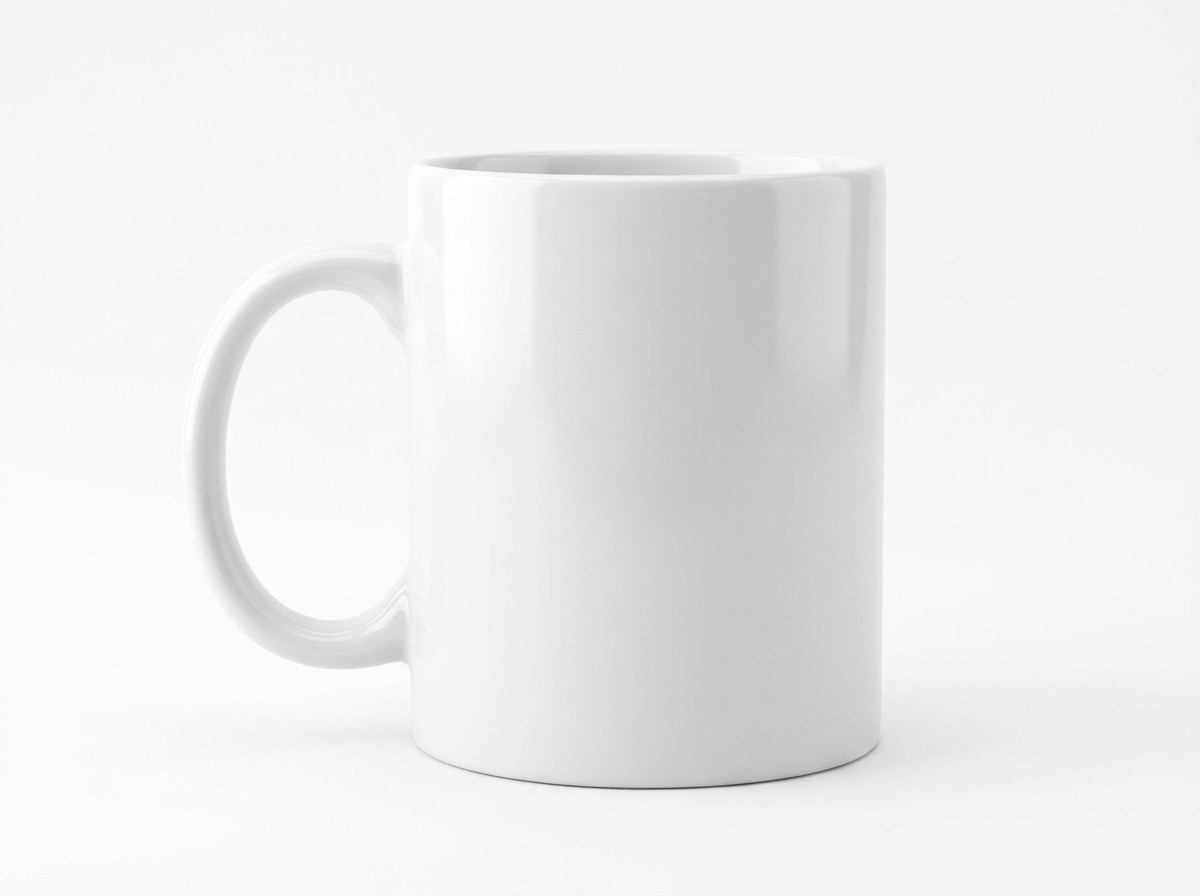
Detect subject edges precisely and export clean transparent product images.
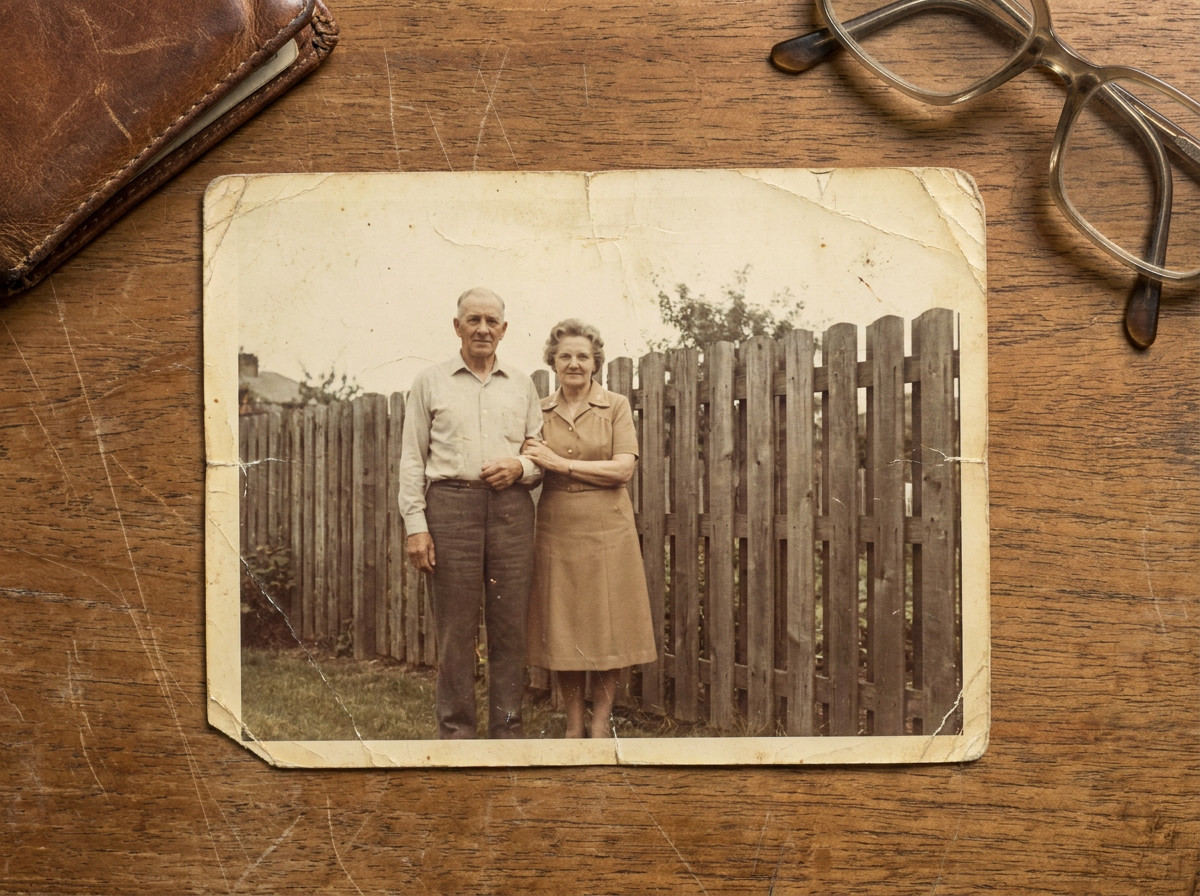
Repair scratches, creases, and fading to bring old photos back to life.
Add natural color to black-and-white photos.
An AI photo enhancer can improve visible clarity, tone, and detail when the original image still contains useful information.
Improve mild blur, soft edges, and visible detail without promising perfect recovery.
Clean up grain, low-light noise, and visible JPEG artifacts when the source still contains useful information.
Enlarge smaller images with plausible detail. Use Image Upscaler for the dedicated workflow.
Balance dull tones, uneven exposure, and contrast while keeping the image natural.
Give faded or scanned photos a cleaner starting point before restoration or colorization.
Choose an original JPG, PNG, or WEBP image and select the enhancement mode that fits the source.
The model predicts plausible edges, textures, and tones while keeping the source image as its reference.
Inspect faces, text, and edges before exporting.
AI enhancement predicts plausible detail from visual patterns. It cannot recover every detail that was never captured.
Match the problem in the photo to the most useful starting point.
Unblur image / Sharpen image
General enhancement
Image Upscaler
Colorize Photo
Use a manual editor for detailed composition work. No dedicated Enpix page for this workflow.
Clean edges and improve detail for listings.
Balance softness and skin texture with care.
Make resized campaign assets easier to read.
Reduce visible wear while keeping the original character.
Clarify rooms without promising invented structure.
Improve legibility around text and UI edges.
Demonstration examples. Final results depend on the source image.
BeforeAfterBeforeAfterBeforeAfterAn AI image enhancer works from an existing image, not a blank prompt or a new scene. It predicts plausible edges, textures, and tones from the visual information already present.
Unlike simple resizing, enhancement estimates useful detail while keeping the source image as its reference. Results depend on the source-dependent information available in the original.
Mild softness, noise, compression, and low contrast may improve with moderate processing when the source still contains useful information.
Severely out-of-focus or missing information cannot be restored perfectly. Aggressive processing can create halos, oversharpening, color shifts, or artificial textures. Keep the original file.
Try two low-tier edits every day without logging in. Sign in once to receive 10 permanent credits for higher-quality processing.
Start without an account and process two GPT Image 2 1K images each day.
The selected model and resolution determine the task cost, which is shown in the workspace.
Upload JPG, PNG, or WEBP files up to 4MB. Failed tasks return reserved credits.
Anonymous visitors can complete two free GPT Image 2 1K edits every day without creating an account. Sign in once to receive 10 permanent credits for higher-quality models and resolutions.
Each task cost is based on the selected model and output resolution. Enpix shows the exact cost before you start processing.
One-time credit packs are designed to remain available until you use them.
When a provider or processing error prevents delivery, the reserved credits are returned.
Upload one JPG, PNG, or WEBP image up to 4MB. Review the result before downloading it.
Submitted images and generated results are private and available for 7 days from task creation, then removed by scheduled cleanup. Unsubmitted uploads expire after 24 hours. We do not sell your images or use them to train models.
No. AI predicts plausible detail from the source. Severe blur, missing information, and heavy compression may limit the result.
Your anonymous daily trial does not transfer. After your first successful Google sign-in, Enpix adds a one-time 10-credit bonus to your account. Anonymous task history is not transferred.
Start with the browser workflow and try Enpix image enhancement tools.